Drive Thru Solutions: Faster Orders With the Right Scanners in 2026
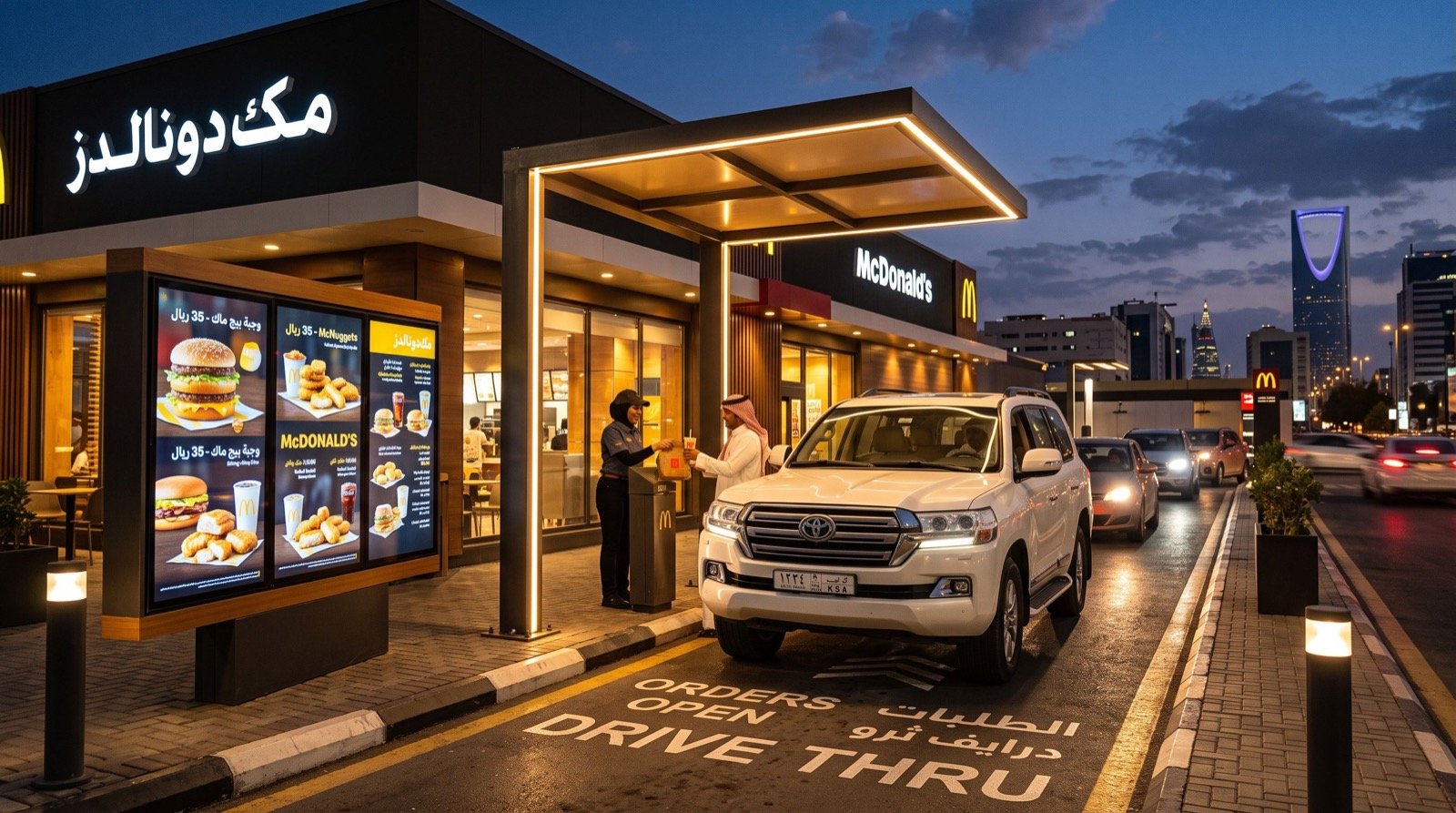
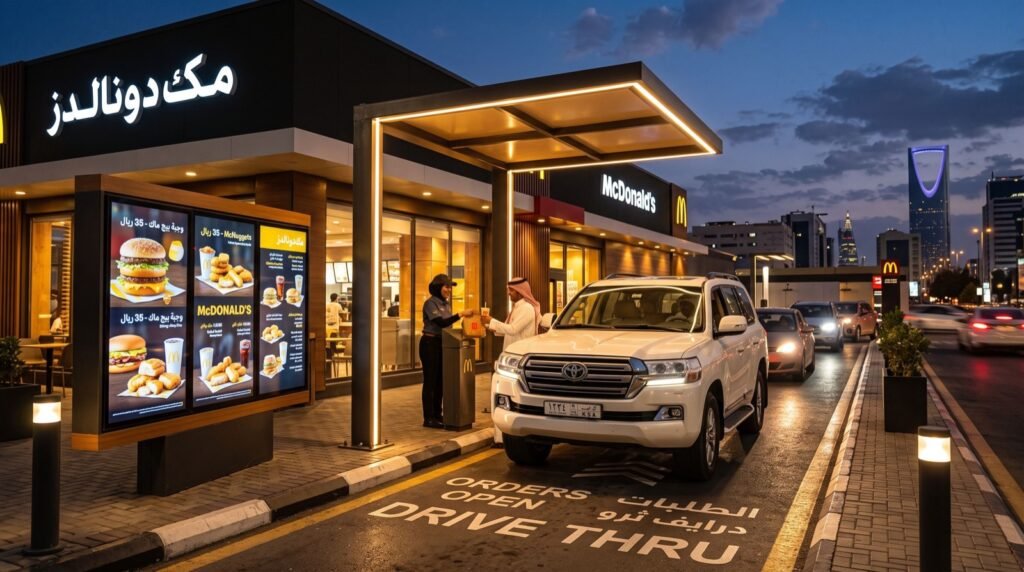
Speed decides who wins at the window. Modern Drive Thru Solutions combine headsets, menu boards, order screens, and handheld devices so that a car moves from the speaker to the pickup window in minutes. Restaurants, pharmacies, and even parcel pickup points now use the same idea.
This guide covers the building blocks of a fast drive-thru lane, where scanning fits in, and how to measure whether your investment is paying off in 2026.
What Makes a Drive-Thru Lane Fast?
Industry observers often time service from the moment a car reaches the order point until it leaves the window. Every second matters, because a line that grows beyond a few cars makes passing drivers keep going.
Five elements shape that timing:
- Clear audio. Staff and customers must hear each other without repeating.
- Accurate order entry. Errors cost time at the window and create refunds.
- Kitchen or stock coordination. The order must reach the preparation point instantly.
- Payment speed. Contactless and mobile wallets cut the longest pause.
- Handover control. The right bag reaches the right car.
Where Scanning Fits In
Most people link drive-thrus with speakers and screens, yet scanning is quietly valuable. Loyalty app codes, mobile order confirmations, coupon QR codes, and pharmacy prescription labels all need a quick, reliable read through a car window.
A rugged handheld such as the Honeywell Voyager XP 1470g suits this task. It reads both traditional barcodes and 2D codes on glossy phone screens, which are notoriously hard for basic scanners. Its cordless design lets an employee lean toward a vehicle without a cable tugging at the counter.
Manufacturer details are available from Honeywell directly, and it is worth reading the specification sheet for drop rating and battery life before buying in bulk.
Practical scanner tips for window staff
- Ask customers to turn screen brightness up before presenting a code.
- Mount a charging cradle within arm’s reach so the scanner is never lost.
- Keep a lens cloth nearby; rain and fingerprints reduce read speed.
- Test with glare at midday, not only in a dim back office.
Comparison: Typical Drive-Thru Components
| Component | Purpose | Failure symptom | Quick fix |
|---|---|---|---|
| Wireless headset | Clear staff audio | Static, dropped calls | Replace battery, check range |
| Menu board | Show items and prices | Outdated prices | Centralised content updates |
| Order display | Show the order to the kitchen | Missed items | Colour-code modifications |
| Handheld scanner | Read codes and coupons | Slow or failed reads | Clean lens, update firmware |
| Payment terminal | Take card or wallet payment | Declines, lag | Check connectivity |
How to Design the Lane Step by Step
Whether you are building new or improving an existing site, follow a clear order of work.
- Observe the current lane for two peak hours and record times at each stage.
- Identify the single slowest stage; do not fix everything at once.
- Pick equipment that addresses that stage and trial one unit.
- Train staff on a short script and a standard handover routine.
- Re-measure after two weeks and compare with the baseline.
Is a Drive-Thru Worth It for a Small Business?
It can be, provided traffic and space support it. A pharmacy with a short lane and a loyal local base may gain more from a drive-up pickup point than from a full menu-board setup. Restaurants with high lunch demand benefit from dual order points that merge into one window.
Start small. A single order point, a good headset, a handheld scanner, and a clear sign can lift throughput without a major construction budget.
An original insight: measure the “second car”
Most owners track average service time. A more revealing number is how long the second car in line waits. When the second car routinely waits more than a minute before ordering, the bottleneck is usually at the window, not the speaker. Fixing handover speed often helps more than adding another menu screen.
Safety, Weather, and Accessibility
A good lane protects staff and customers. Add a canopy over the window, a non-slip surface, and lighting that makes codes readable at night. Consider lower pickup access for customers in smaller vehicles and a speaker that works for drivers with hearing difficulty.
Finding the Right Partners
Equipment is only half the story. Installation, wiring, and tuning matter as much as the devices. Seek out quality service providers that offer site surveys, warranty cover, and a response plan for peak days when downtime hurts most.
Staffing the Drive-Thru Lane at Different Hours
Even the best equipment fails if the lane is under-staffed at peak. A typical busy window needs at least three roles: an order taker, a payment and handover person, and a runner or packer. In quiet periods, one person can combine two roles, but the headset and scanner must still be within reach.
Create a simple roster that matches your own traffic pattern. Record car counts in fifteen-minute blocks for one week, then assign roles to those blocks instead of guessing.
Cross-training pays off
- Teach every employee both order entry and window handover so people can swap when a rush hits.
- Practise the scanner routine, including what to do when a code will not read.
- Rehearse the “error recovery” script so staff apologise briefly, correct the order, and move on.
- Run a five-minute drill before the lunch peak to warm up the team.
Sites that cross-train usually recover from absences far faster, and customers never notice a change. It is one of the cheapest improvements you can make, and it works with any equipment brand or budget.
Frequently Asked Questions
What are drive thru solutions?
They are the combined hardware and software that let customers order, pay, and collect from a vehicle, including audio, screens, scanners, and payment terminals.
Which scanner works best through a car window?
A cordless 2D imager handles phone screens and printed codes reliably, so it is a sound choice for window service.
How do I reduce errors at the pickup window?
Use order confirmation screens, read the order back once, and check bags against the ticket before handing them over.
How can I tell if my upgrade worked?
Record average and peak service times before and after the change, plus refund counts and customer comments over at least two weeks.
Conclusion: Build the Lane Around Speed and Clarity
The best drive thru solutions are simple, reliable, and tested under real conditions. Find the slowest step, choose tools such as a dependable scanner and clear headsets, and measure results in 2026 with honest numbers. Ready to improve your lane? Book a site review and test equipment at your busiest hour.